
Benefits of Submission
- Expand Reach: Gain exposure to potential backers and early adopters.
- Community Validation: Earn trust and attract new users organically.
- Enhanced Visibility: Get discovered throughout the Rayo platform.
How to Submit a Project:
- Tell Your Story
- Project name, logo, vision, and key links
- Socials, blog, GitHub, litepaper
- Add Details
- Choose categories & chains
- Add 4–6 clear screenshots
- Submit Your Project
- Review everything carefully
- Hit “Submit”, sign the message
Earning Those Votes:
Your project is live! Now, let’s rally the community. Gaining support through votes is crucial for getting submitted. Here’s how:- Spread the Word: Share your project on social media (Twitter, Farcaster, Lens, Reddit). Craft a captivating message with project details, visuals, and a call to action. Don’t forget to mention Rayo! https://x.com/dzap_io/status/1645692163618140160
- Engage with the Community: Join the Discussion in Discord: Head over to the Showcase channel in our Discord community. Introduce your project in a clear, concise message that highlights its value proposition and unique features. Then, actively participate in discussions, answer questions, address concerns, and build connections with potential supporters in the Rayo community.
Use Embed Badge
Increase project awareness by embedding a badge from your project profile page. This badge acts as a clickable link back to your project on Rayo. Integrate it strategically on your website’s landing page, homepage, app, or relevant forums.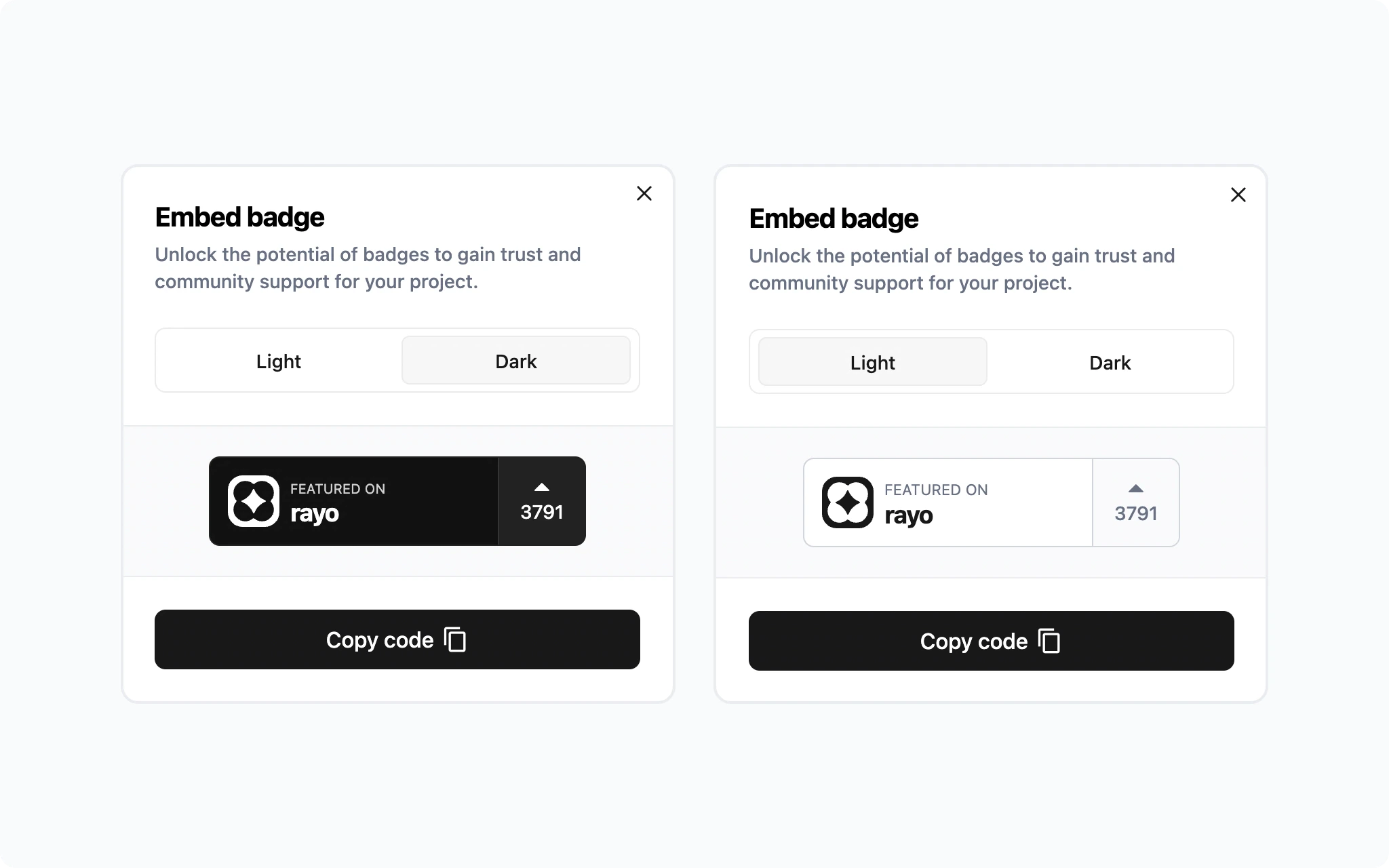
Here’s How to Embed the Badge:
- Open your project’s profile page on Rayo.
- Click
Embedbelow your project name. - Choose the preferred badge style (light or dark).
- Copy the provided code.
- Paste the code into your website’s codebase at the desired location.
- Adjust styling, position, and other elements as needed.
Benefits of Using the Embed Badge:
- Increased Engagement: Attract more visitors to your project page and boost voting activity within your community.
- Enhanced Visibility: Showcase your project’s involvement with Rayo, a trusted platform in Web3.
- Credibility Signal: Maintain the badge even after submission to demonstrate community validation and success to potential users and partners. Where to Embed the Badge:
Congratulations! Your Project is on Rayo
It’s time to celebrate! Your project is now discoverable across the Rayo platform, opening doors to a wider audience. But the journey doesn’t end here. Here’s how to maximise your project’s visibility and connect with the community:- Thank Your Supporters: Express gratitude to those who voted for your project. Respond to comments, messages, and answer their questions. This fosters goodwill and strengthens your community ties. https://x.com/vertex_protocol/status/1637897973408624642
- Engage & Build Relationships: Actively participate in Rayo’s social media channels and Discord server. Build connections with potential users and collaborators.
- Reward Your Supporters: Consider developing a long-term engagement strategy to reward them. Download a CSV file of your project’s supporters directly from your project’s page on Rayo (Download List button). This could involve exclusive content, points, tokens, NFTs, or anything of value.
Identify & Engage Your Supporters
Every vote on Rayo is a signal of belief. As a project, you can see exactly who showed up for you.- Head to your project page on rayo.gg
- Click the ‘Download List’ button to download a CSV of wallet addresses that submitted or voted on your project
Let’s become friends forever!
Subscribe to Rayo’s weekly newsletters:- Product Updates: Stay in the loop about platform updates and new projects with our weekly newsletter.